November SPECIAL OFFER! Sign-up to our newsletter to receive the latest offers and news.
Console Desk: A Slim Solid Wood Desk for Small Home Offices
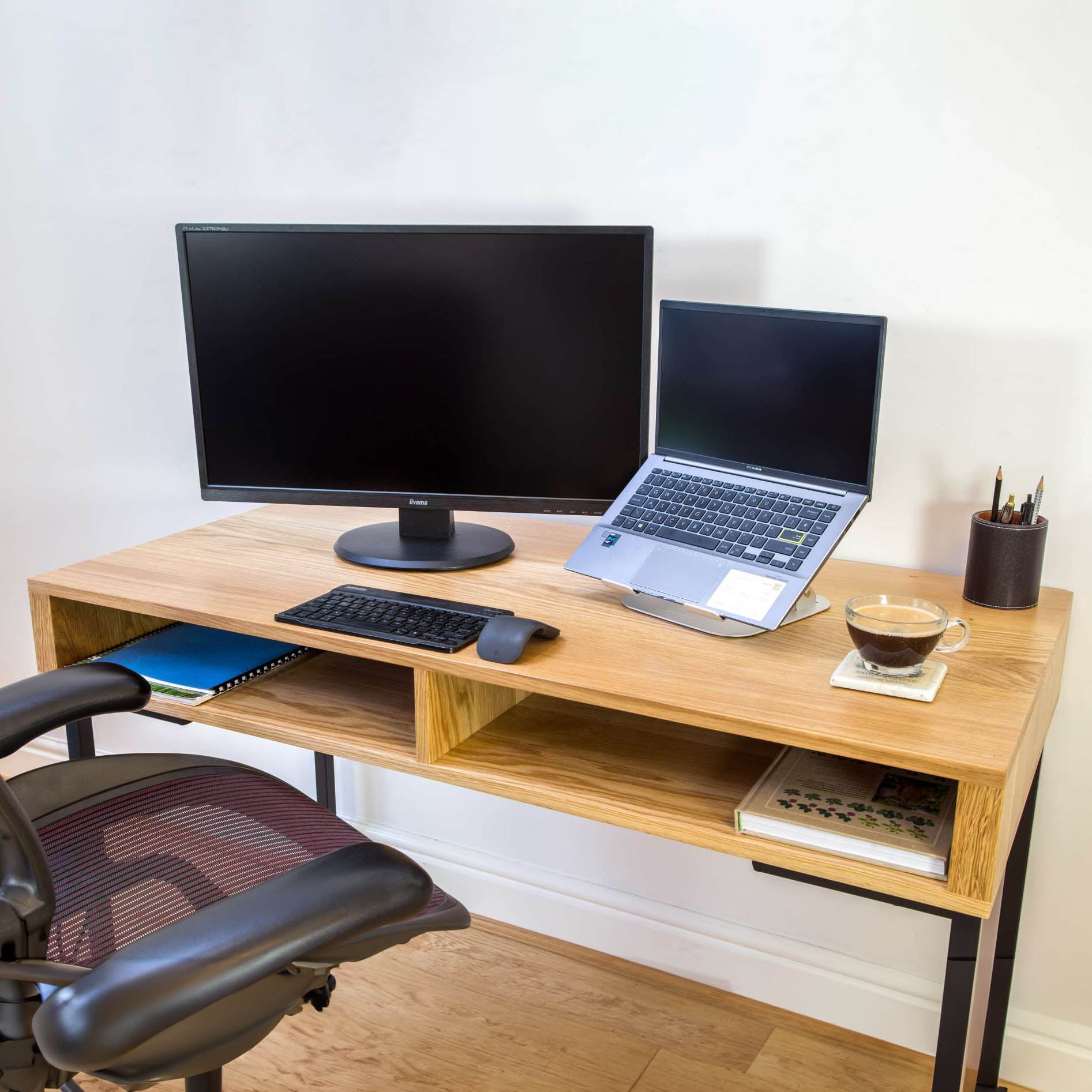
Your laptop is open on the bedroom console, but there is nowhere comfortable to put your knees. A console desk is a slim table designed to double as a workspace in a small home office, bedroom or living room, with a solid wood version bringing furniture-like styling and everyday practicality.
The right choice depends on usable depth, knee clearance and chair space, not width alone. We recommend measuring your whole working setup before choosing the smallest desktop. A slightly deeper piece can make better use of your room if it lets you work comfortably and put everything away afterwards.
Key Takeaways
Choose depth around your equipment, not the available wall alone.
Allow chair movement beyond the desktop footprint.
A 35 cm console suits occasional tasks, not extended work.
Solid hardwood, veneer and wood-effect finishes are different materials.
Check storage, leg positions and cable routes before ordering.
Choose furniture that works after the laptop closes.
Can a console table work as a desk?
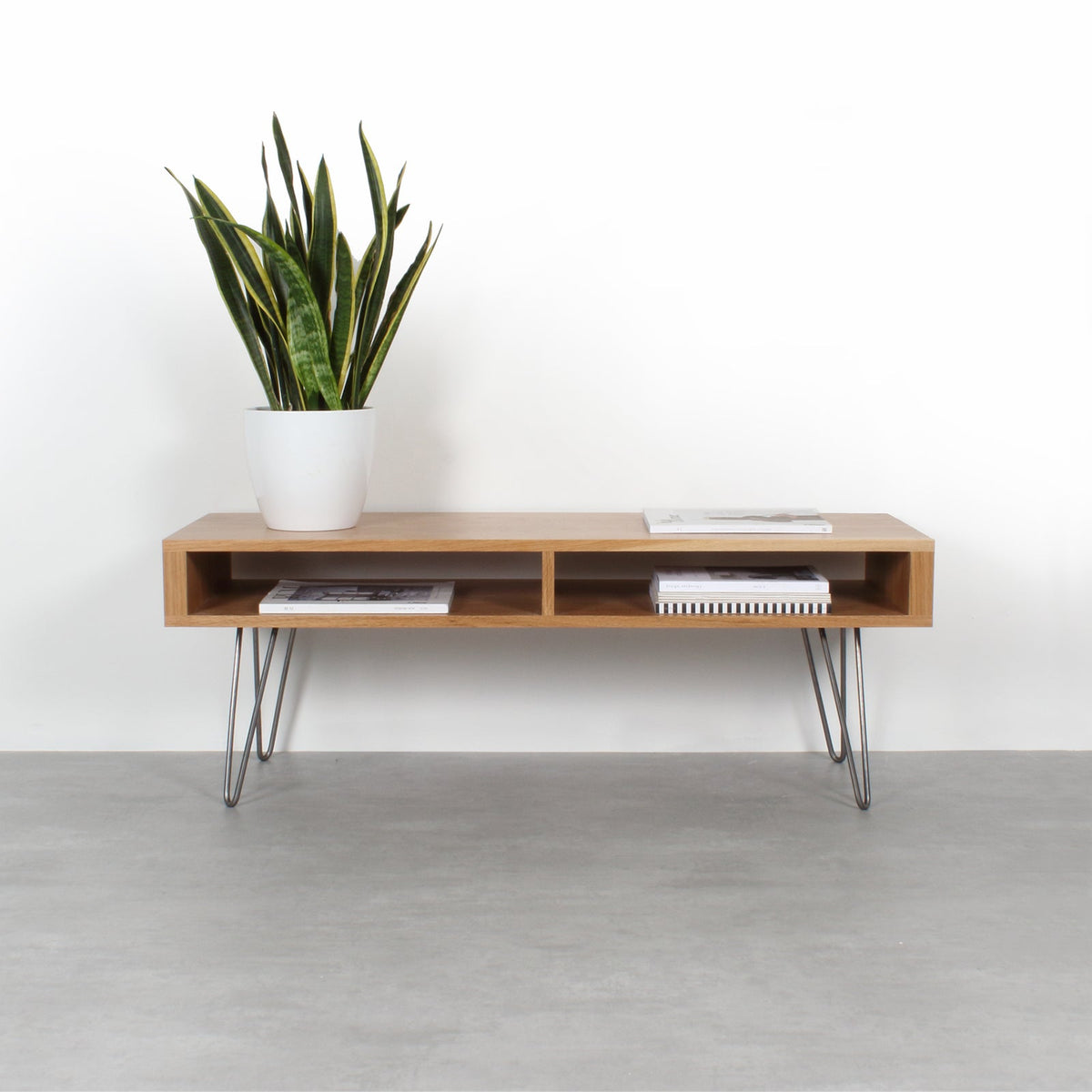
A console table can work as a desk when its height, underside and surface suit seated work. Narrow dimensions alone do not make it suitable. Hallway furniture often prioritises display space, with shelves or rails exactly where your legs need to go.
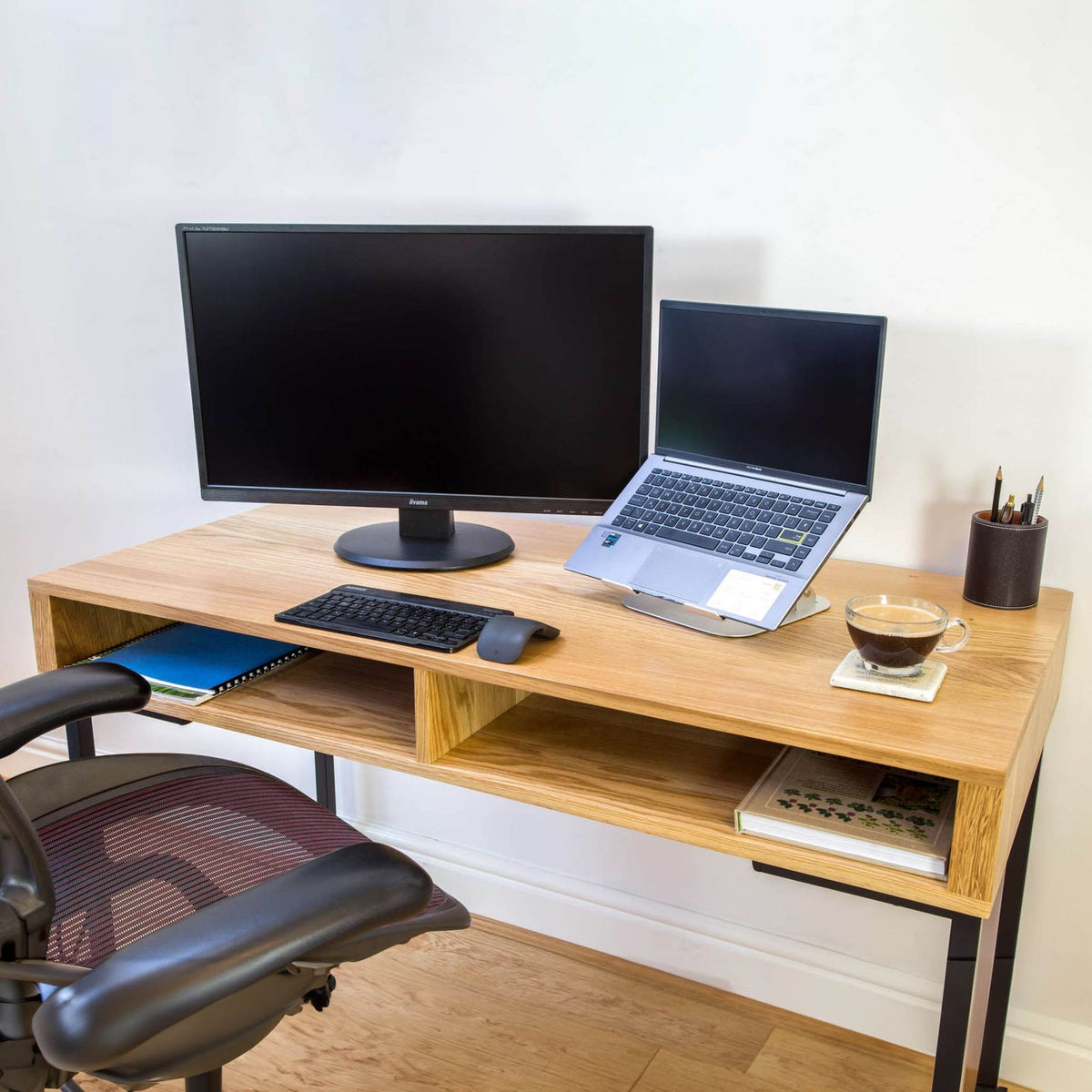
A console desk is a slim, furniture-like table with enough usable surface and clear space beneath it for seated work.
That distinction matters more than the name on the product page. A piece sold as a console table could support occasional laptop use perfectly well, while another with the same external dimensions could feel cramped.
Look underneath the top. An apron, the horizontal rail beneath a tabletop, reduces the space above your thighs. Low shelves and crossbars can also stop you stretching your feet forward. Storage is useful only when it leaves your sitting position clear.
For example, a 35 cm-deep table may hold a small laptop, but leave little space for your hands, a mouse or a notebook. It is a reasonable surface for paying a bill or checking a booking. We would not choose that depth for regular, extended computer work.
The appeal of a console desk is understandable: you gain a workspace without making the room feel like an office. Choose it for a compact working setup, rather than expecting a narrow console to replace a large desk with several screens and permanent equipment.
Which depth fits your equipment?
For laptop work, start with 50 cm depth. Choose 60 cm when a separate monitor and keyboard will remain on the desk, and reserve 40 cm for a particularly compact setup. These are planning recommendations, not guarantees: the shape of your equipment determines the usable space.
Compare usable depth
Measure the laptop open, including any part of the screen that extends behind its base. For a monitor, measure the stand as well as the screen. A shallow-looking display can have feet that take up much of a narrow desktop.
Desktop depth
Best starting use
Main equipment constraint
Our recommendation
40 cm
Compact laptop setup or occasional writing
Limited room for hands, cables and a separate mouse
Test your exact layout before choosing
50 cm
Laptop with mouse and a small notebook
Monitor stands can crowd a separate keyboard
A practical starting point for laptop work
60 cm
Monitor, keyboard and mouse
Large stands and additional equipment still need measuring
Choose for a regular screen-based setup
Width solves a different problem. Extra width gives you space beside the laptop, but it does not move a screen further from your eyes. A wide, shallow desk can still leave you working too close to a monitor.
Consider an illustrative laptop measuring 32 cm wide and 23 cm deep. On a 40 cm-deep top, its base leaves 17 cm to share between the front and rear edges. Those remaining centimetres need to accommodate hand position, the open screen and any rear-facing connections.
Test the layout at full size with paper or masking tape on an existing table. Include a mouse pad and charging plug, rather than measuring the laptop alone.
Match the desk
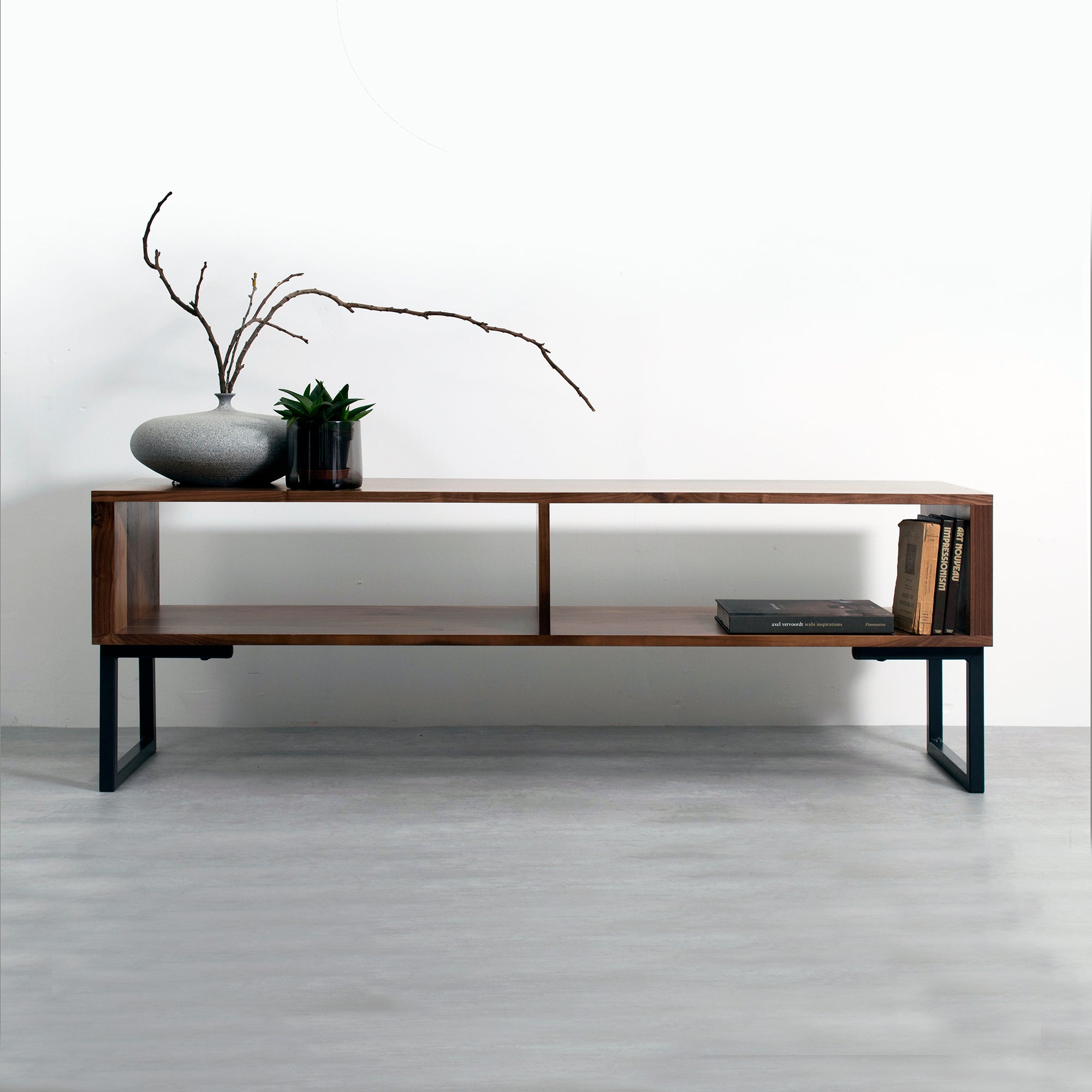
Our Darwen Minimalist Console Desk on Square Legs offers widths of 100, 120 and 140 cm, with depths of 40, 50 and 60 cm. Its clean-lined solid hardwood design works as a console table, home office desk or dressing table, with compartments for paperwork, a laptop or daily essentials.
Those options let you separate two decisions: how much wall space to use, and how much working depth you need. A narrower, deeper configuration can suit computer work better than a wider, shallower one.
Allow screen distance
For a separate monitor, aim for roughly an arm’s length between your eyes and the screen, adjusting for screen size and comfortable reading. Position the display directly ahead, with its upper edge around eye level or slightly below.
A monitor arm can free desktop space, but check the fixing position first. Its clamp needs access beneath the rear edge, and its weight needs suitable support. Do not assume that a storage compartment or rear rail will leave room for one.
For extended laptop work, raising the screen and adding a separate keyboard improves your ability to position both comfortably. That turns a simple laptop layout into a larger equipment layout, so include those accessories in your depth test.
Leave room for the chair
Allow roughly 80–90 cm behind the desk’s front edge for pulling out a chair and sitting down. This is a planning allowance, not a passageway: if someone needs to walk behind you while you work, provide additional room.
Measure the whole setup
A 50 cm-deep desk with 90 cm of chair space needs approximately 140 cm from the wall to the rear of that working area, before allowing for a gap behind the desktop. The footprint on the product page tells only part of the story.
This is why the smallest desk does not always save the most space. A chair that cannot tuck underneath remains in the room after work, even when the desktop itself is slim.
Measure to the nearest real obstruction. That could be the bed frame rather than the mattress, a radiator rather than the wall, or cupboard handles rather than the cupboard doors. Open nearby drawers during your test.
Check underneath
Measure the clear opening between the legs, not simply the overall desk width. You need room to sit centrally and change position without pressing against a leg or storage unit.
As a rough starting point, allow at least 60 cm of clear width for your legs, with more room for a broad chair. Compare the underside height with your seated thigh height and chair arms. An apparently generous desktop can have a much smaller opening beneath it.
A fixed desktop is commonly around 73–76 cm high, but that is not a specification for every console desk. Set your chair so your shoulders remain relaxed and your forearms reach the keyboard comfortably; support your feet if raising the seat lifts them from the floor.
Try your chair
Use the chair you intend to work in when testing the space. Armrests may hit the apron before the seat slides beneath the desk, leaving an unexpected gap.
A compact dining chair can look appropriate, but appearance does not establish comfort over a working day. Judge the chair while typing and using the mouse, rather than sitting still for a moment. A tidy tuck-in is useful, but it comes second to a comfortable working position.
Solid wood, explained
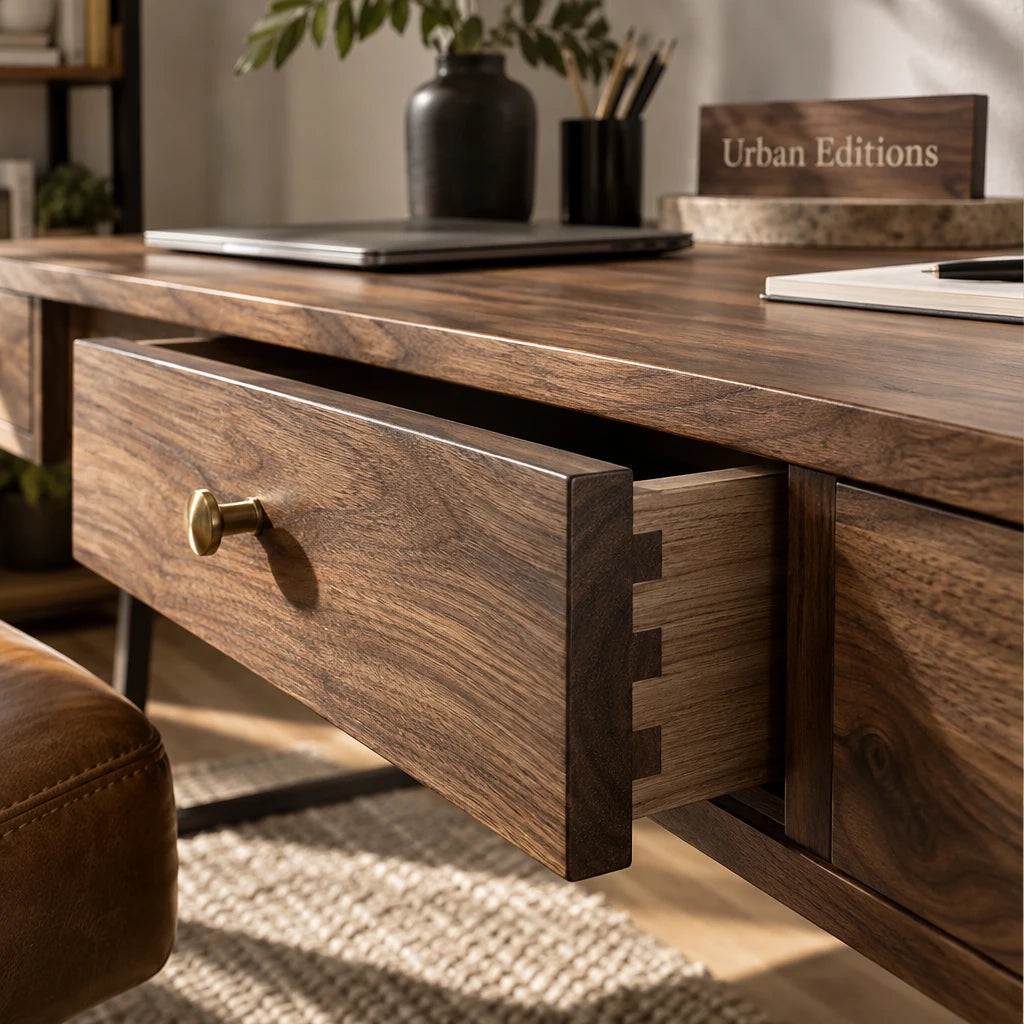
Solid hardwood gives you real timber through the thickness of the wooden component, rather than a decorative surface over another material. That distinction affects appearance, wear and the options for refreshing the surface later.
Know the material
Veneer is a thin layer of real wood bonded to a supporting board. It can have attractive natural grain, but it is not the same construction as solid hardwood. A wood-effect finish usually uses a printed pattern over a board such as MDF or chipboard.
None of these terms describes the whole desk automatically. A product can combine solid timber legs, a veneered top and other materials. Read the description of each main component rather than treating a wood colour name as a material specification.
Solid hardwood can often be sanded and refinished, depending on its construction, finish and condition. A veneer has far less sanding allowance, while sanding a printed wood-effect surface removes the pattern.
Solid hardwood costs more upfront than many board-based alternatives. We recommend it when you want a long-term piece whose natural material and appearance matter beyond its working role. It is still a surface to care for, not a promise against scratches or marks.
Compare the hardwoods
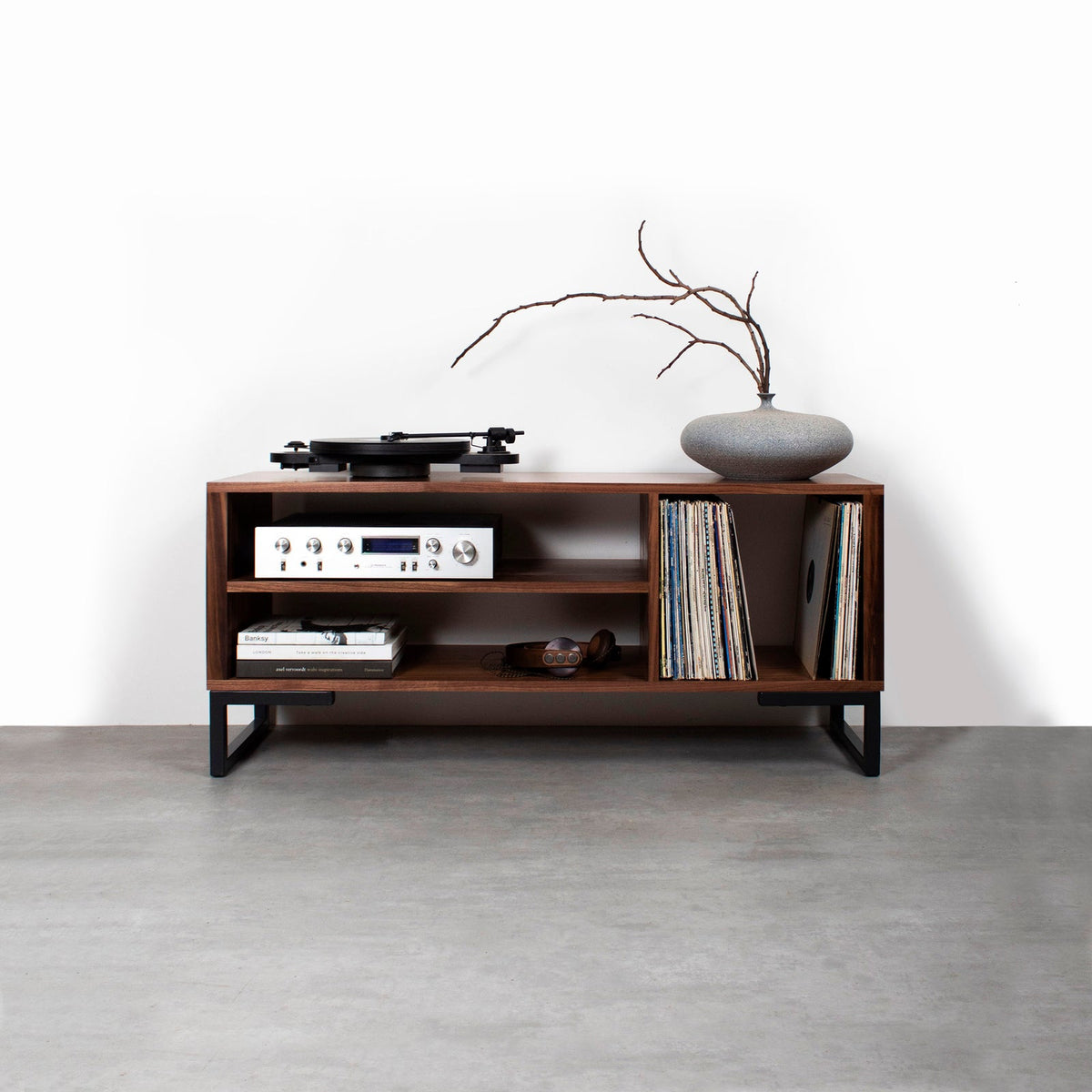
Oak generally brings a visible grain and warm, light-to-medium brown colour. Walnut is typically darker, with rich brown tones that give a slim desk a stronger presence against pale walls.
Ash has a pronounced grain and is naturally light, although a dark finish changes its appearance substantially. Iroko typically has golden-to-brown colouring and can deepen with age. These are natural tendencies, not exact colour matches.
Choose the timber alongside your floor, bed frame or living room furniture. In a small room, the relationship between those surfaces usually matters more than matching every piece precisely. A dark desk can work well against a light wall without needing a dark floor beneath it.
Place it around daily life
Position the desk where you can work without repeatedly rearranging the room. A spare wall is useful only if the chair, light and nearby furniture work with it.
Bedrooms and living rooms
In a bedroom, test the route between the bed and the desk with the chair occupied. Keep access to wardrobe doors and bedside drawers clear. A layout that works only when every door is shut soon becomes tiresome.
In a living room, use an alcove or quiet wall where the working area does not interrupt the main route through the space. Remember that skirting boards can hold the legs away from the wall, increasing the desk’s actual projection into the room.
A console desk behind a sofa needs particular care. It should be approachable from the working side, with enough room for the chair, rather than simply fitting into the gap. Check where the charging cable will travel before settling on that position.
Light and power
Place a screen roughly at right angles to a window where possible. This reduces the chance of having a bright window directly behind the screen or reflected in it. Test the position during your usual working hours.
Allow room for a lamp if you work after dark. A small desktop lamp can take up the space you had mentally assigned to a notebook, so include its base in your equipment layout.
Choose a socket position that lets cables stay close to the desk rather than crossing a doorway. Rear-facing plugs also need room to bend without being pressed against the wall.
A desk can look beautifully quiet until the working day begins. The charger, lamp and mouse deserve a place in the plan too. That is the less photogenic part of choosing furniture, perhaps, but it determines how easily the room works.
Storage and custom dimensions
Choose storage around what you actually put away each evening, then choose dimensions around what remains on top. A console desk returns to ordinary furniture use most easily when clearing it takes a few simple movements.
Plan the reset
A compartment can hold a closed laptop or paperwork, but its internal opening matters more than its appearance. Measure your laptop with its case if you store them together, and allow space to reach in comfortably.
Do not read minimalist as a promise of drawers, cable holes or hidden power sockets. Those are separate features. A plain top can stay orderly with a small organiser and a planned cable route.
Before ordering, work through these four steps:
Lay out every item that stays on the desktop during work.
Measure the clear space needed beneath the top and between legs.
Identify a storage place for each item you remove afterwards.
Mark the desk and occupied chair area on the floor.
The last step catches a common mismatch: a desk that fits the wall but leaves no comfortable route past the chair.
Customise with purpose
Use customisable dimensions to solve a measured problem, such as fitting between a chimney breast and a doorway. Avoid reducing depth simply to achieve a neater line against neighbouring furniture.
Specify overall width and depth separately from the clear opening you need beneath the desk. If a compartment changes position or size, consider what that does to your knee space and the items it will hold. A few extra centimetres of storage are not useful if they displace your sitting position.
For hardwood choices, browse our desk and console table collection at Urban Editions and order wood samples before settling on the finish. Compare them beside your existing furniture in daylight and under evening lighting. A sample helps you judge colour and grain, while leaving room for the natural variation of a full-sized piece.
Conclusion
Mark out your preferred desktop depth and chair space before choosing a finish. Then work at that layout with your actual equipment for an ordinary task, rather than judging it empty. Choose a slim console desk when it supports that setup comfortably and clears away easily; choose more depth when your screen, keyboard and hands need it. The best fit is the piece that earns its space throughout the day.
Frequently Asked Questions
How deep should a slim desk be for a laptop?
Start with about 50 cm for regular laptop work. A 40 cm-deep desk can suit a compact laptop setup, but test room for your hands, mouse and charging cable. Choose more depth when using a raised laptop with a separate keyboard.
Is a 35 cm-deep console table practical for working?
A 35 cm-deep console table is practical for short, occasional tasks with a compact laptop, rather than extended work. It leaves limited room in front of and behind the computer, particularly when the screen tilts back or a cable connects at the rear.
Can a console desk accommodate a monitor and keyboard?
Yes, provided its usable depth and width fit the monitor stand, keyboard, mouse and comfortable viewing distance. Start by testing a 60 cm-deep layout; a large stand can still make that crowded, while a compatible monitor arm can free surface space.
Can a console desk double as a dressing table?
Yes, a console desk can double as a dressing table when it has comfortable seated clearance and room for a mirror. Store work accessories together for an easy changeover, and use a protective tray for cosmetics or liquids to keep them off the timber.