November SPECIAL OFFER! Sign-up to our newsletter to receive the latest offers and news.
Media Sideboards: How to Choose the Right Size
A 65-inch TV is about 145 cm wide, so a 140 cm cabinet is narrower than the screen. Choose media sideboards by your TV’s actual width, available floor space and equipment, not its diagonal alone. Allow breathing room beside the screen, check its feet and weight, and set the height for seated viewing.
Depth needs to account for cables, ventilation, turntable lids and cupboard doors too. We recommend measuring the complete setup before choosing furniture: a cabinet that fits your television can still leave nowhere useful for an amplifier or your records.
Key Takeaways
Measure the TV’s actual width, not its advertised diagonal.
Allow roughly 10–20 cm beside each screen edge for balance.
Check TV feet and load limits separately from visual proportions.
Choose total furniture height around your seated eye level.
Measure usable compartments, cable space and equipment ventilation.
Include door swings, turntable lids and growing record storage.
Start with width
Choose a sideboard around 20–40 cm wider than your television for balanced proportions, provided the room allows it. That gives roughly 10–20 cm at each end. This is a visual recommendation, not a safety rule: secure support depends on the TV’s feet and the furniture’s stated load limits.
Screen versus diagonal
The inch measurement on a television describes the screen diagonally, from one corner to the opposite corner. It does not describe the cabinet width you need.
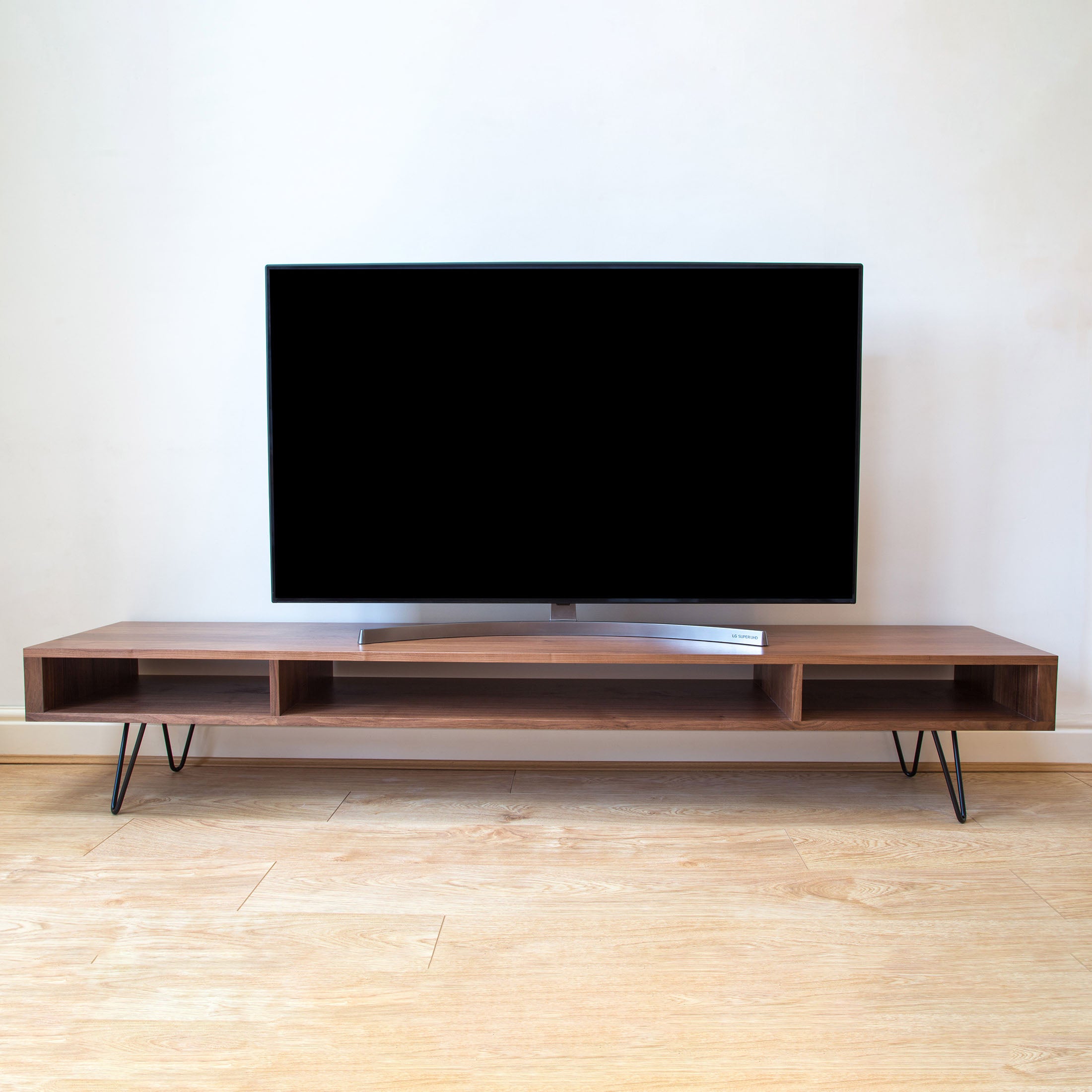
A typical 55-inch television is about 123 cm wide, including its slim frame. Using the visual allowance above, a sideboard around 145–165 cm wide is a useful starting point. For a 65-inch television, start around 165–185 cm.
Measure your own television across its widest point before ordering. Frames, speakers and stand designs vary, so these approximate widths are planning figures rather than product specifications.
Feet versus frame
Measure the full footprint of the TV stand, including the outer edges of separate feet. Every part of that footprint needs to sit securely on the furniture, within any positioning limits in the television’s instructions.
A central pedestal can fit on a relatively narrow top even when the screen extends beyond it. Widely spaced feet can require almost the full screen width. A wider-looking cabinet does not automatically provide adequate support, and a narrow-looking one is not automatically unsuitable.
Compare the television’s weight, including its stand, with the furniture’s top load limit. Include anything else that will share the top, such as a soundbar or turntable. Shelf load limits are separate from the top limit.
Then measure the usable wall section, excluding door swings, curtains and radiators. On a clear 240 cm wall, a 160 cm sideboard leaves 40 cm at either end. That is a helpful proportion, but it should not override equipment fit or access.
Set viewing height
Choose media sideboard height so the centre of the screen sits close to your seated eye level. Use the total floor-to-top height, not the leg height or cabinet body height on its own.
Measure seated
Sit on your usual sofa cushion in your normal viewing position. Ask someone to measure from the floor to your eyes, then mark that height on the TV wall with removable tape.
Seated eye level is often around 100–110 cm, but your sofa and posture matter more than an average. A low sofa can make a conventional dining-room sideboard feel too tall beneath a television.
For example, suppose your eye level is 105 cm and your screen is about 70 cm high. Half the screen height is 35 cm. If the TV stand raises the screen’s bottom edge 5 cm above the furniture, a sideboard top at about 65 cm places the screen centre at eye level.
Count every layer
Legs, cabinet body and top thickness all contribute to overall height. Changing from 15 cm legs to 25 cm legs raises an otherwise identical unit by 10 cm, which also raises a freestanding television by 10 cm.
If you use a soundbar, check the screen’s bottom edge and remote-control sensor as well. A cabinet can have the right viewing height while the soundbar blocks part of the picture.
For a wall-mounted television, set screen height independently. Leave enough space above the furniture for the soundbar, plugs and access to controls, rather than creating a large gap purely for appearance.
Check usable depth
For many media setups, an external depth of around 40–50 cm is a useful starting point. Deeper amplifiers and AV receivers, which handle sound and video connections, can push the requirement towards 50–60 cm. The deciding measurement is the usable space around your actual equipment.
Inside measurements
A back panel, doors and internal supports all reduce storage space. A cabinet advertised as 45 cm deep does not necessarily offer 45 cm inside.
Usable depth is the clear space available to your equipment after accounting for the cabinet’s construction, connected cables and required operating clearances.
Measure compartment width and height as carefully as depth. A device might fit the opening but leave too little room to reach its controls or remove it later.
For a worked example, a device body measuring 34 cm deep plus 6 cm for plugs and gentle cable bends needs 40 cm before any additional ventilation allowance. That makes a 40 cm external cabinet depth an unsuitable choice for this example.
Cable routes
Measure with the cables connected. HDMI plugs, aerial connectors and power leads project behind the equipment, and forcing them into sharp bends is not a workable way to gain space.
Check where cable openings sit relative to each compartment. A hole behind the centre shelf does little for an amplifier behind a solid divider at the other end.
Also include the gap between the furniture and wall in your room measurements. Skirting boards, sockets and plugs can prevent a cabinet sitting as close to the wall as its outline suggests.
Airflow space
There is no single ventilation allowance that suits every device. Sony’s PS5 guidance, for example, calls for at least 10 cm between the console and a wall surface; amplifiers and other consoles have their own placement requirements.
Use each device’s instructions to establish the necessary clearance and airflow route. Air needs a way in and warm air needs a way out. A cable hole alone does not guarantee adequate ventilation, especially behind closed doors.
Keep stored records and cable bundles clear of those routes. Extra shelf space has little value if filling it prevents equipment operating as intended.
Compare width options
A 100, 120 or 140 cm sideboard can work well, but each serves a different measured setup. The table uses a 10 cm visual allowance at each end; it does not establish whether a television’s feet or weight are supported.
Sideboard width
TV width allowing 10 cm at each end
Typical starting point
100 cm
Up to 80 cm
Many 32-inch TVs
120 cm
Up to 100 cm
Many 43-inch TVs
140 cm
Up to 120 cm
Many 50-inch TVs
A measured 123 cm-wide television on a 140 cm unit leaves 8.5 cm at each end. That is slightly less than our suggested visual margin, but it can still look balanced. Check the feet and load limit rather than rejecting it solely over appearance.
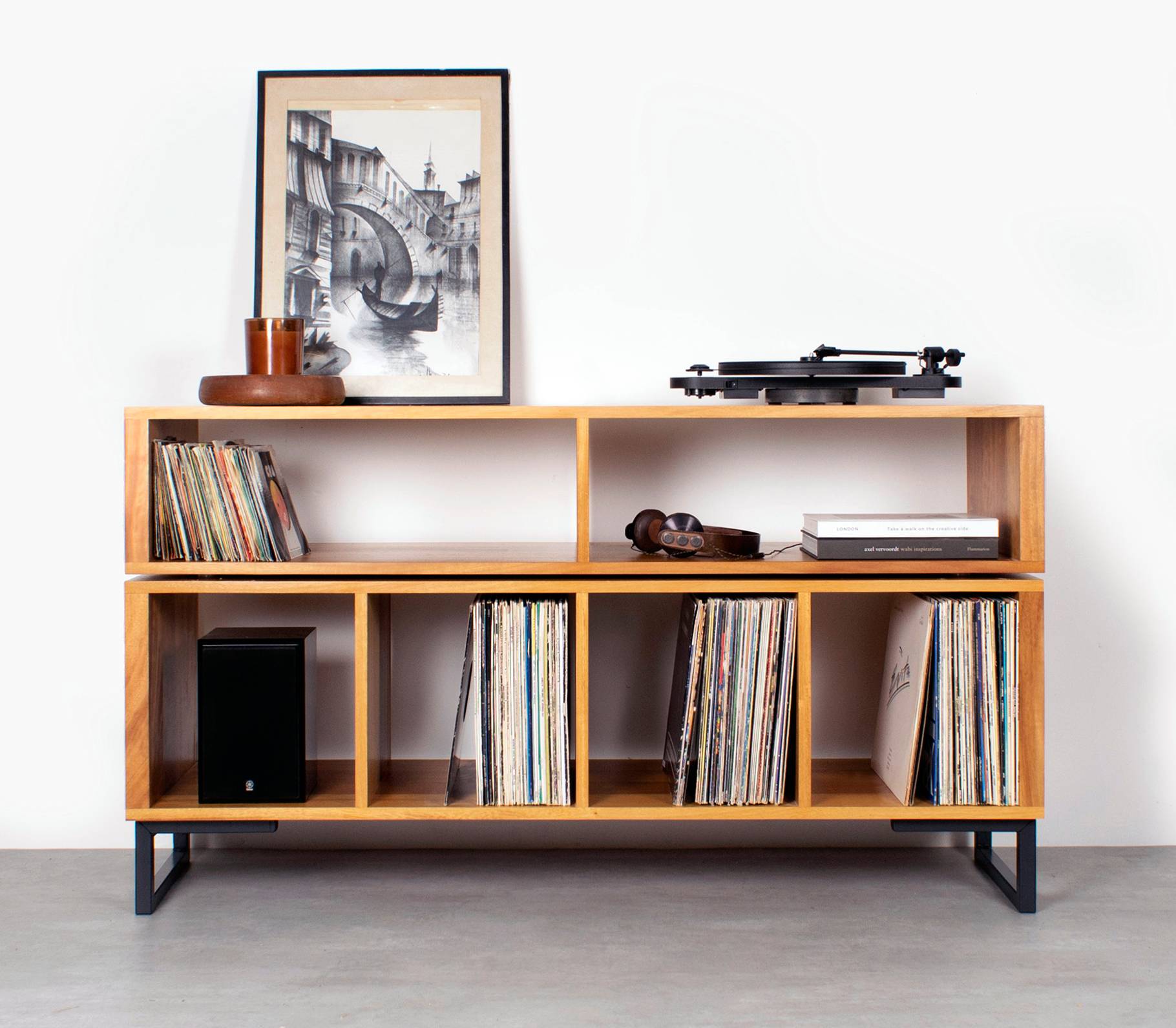
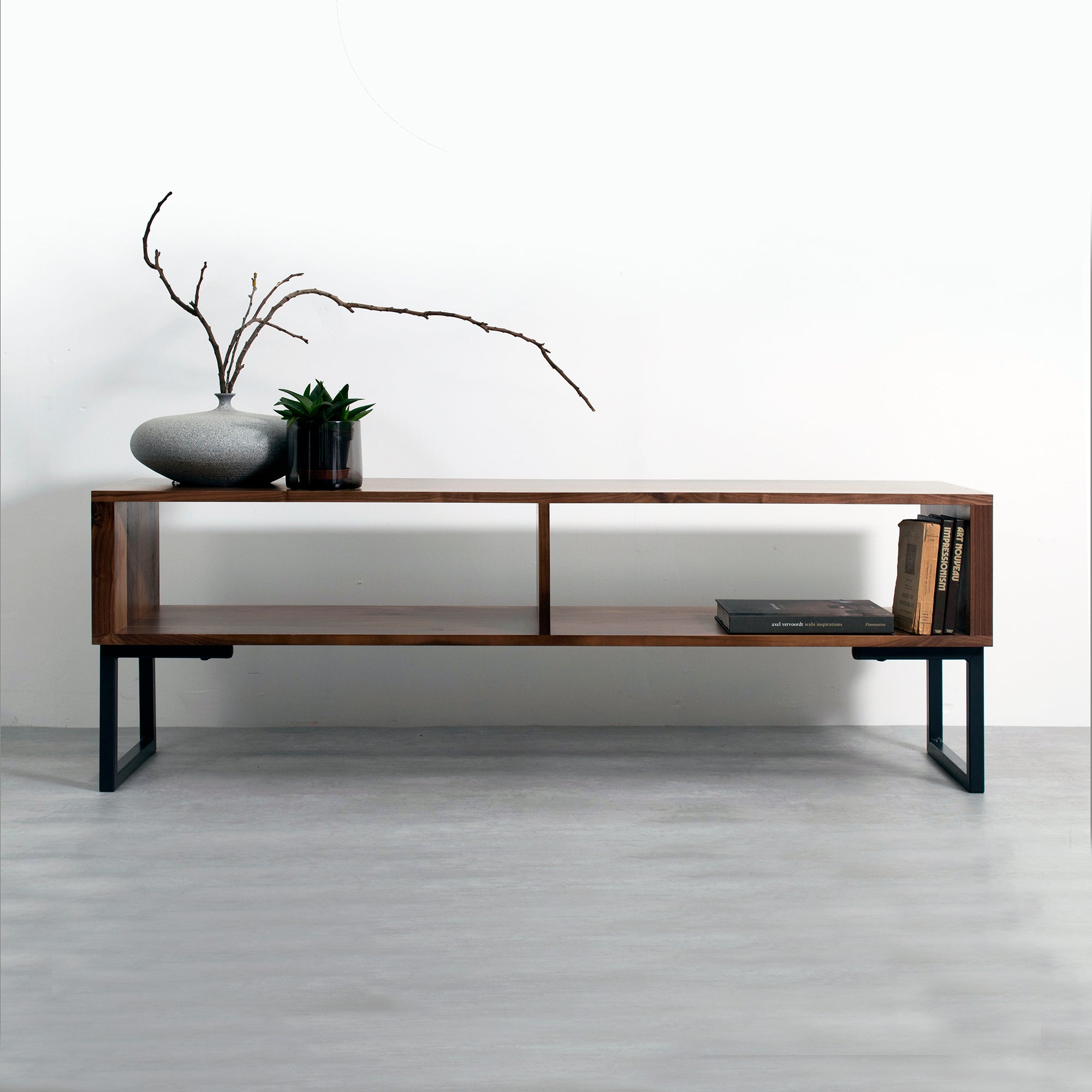
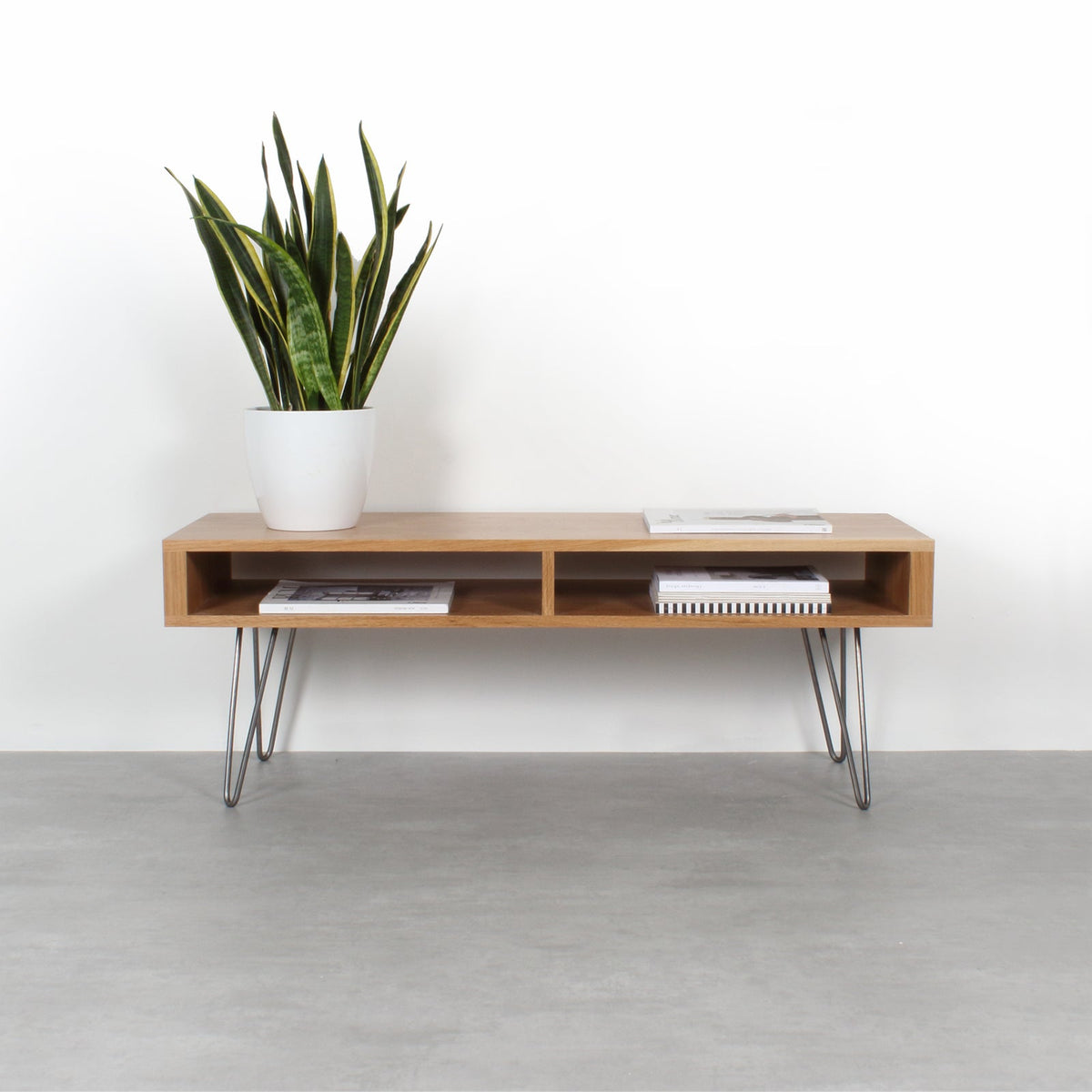
At Urban Editions, our Asymmetric Media Stand offers 100, 120 and 140 cm widths, with 15 or 25 cm leg options. The solid wood design combines space for a television, vinyl records and media equipment, with Oak, Dark Ash, Iroko and Walnut options. You can compare these choices alongside our TV stands with size and wood options using your measured requirements.
The objection to choosing a wider unit is straightforward: it takes more floor space. Choose the wider size only when that extra width provides useful storage or improves the layout without narrowing your walkway.
Keep width and height decisions separate. Shorter legs do not solve an undersized top, and a longer cabinet does not correct a television that sits too high.
Leave access space
Aim for 80–90 cm of clear walking space in front of a media sideboard on a regular route through the room. Measure from the furniture’s installed position, including any rear cable gap, to the nearest sofa, coffee table or other obstruction.
An open cupboard door or drawer uses some of that space. A 45 cm-wide hinged door can project roughly 45 cm into the room when opened at a right angle. In an 85 cm gap, that leaves only 40 cm beyond the door, so someone browsing records will temporarily block the route.
Mark the cabinet footprint on the floor with masking tape. Add the likely door or drawer projection, then walk through the room as you normally would. A useful little rehearsal before committing to solid wood.
Test the room door too, especially where the sideboard sits near an entrance. Handles can strike furniture before the door reaches its usual open position. Leave room to reach wall sockets without having to empty and move a loaded cabinet.
Access also includes delivery. Measure the narrowest doorway, hallway turn and stair landing on the route to the room. For a 140 cm-wide piece, straight doorway width alone does not show whether it can turn through a tight entrance; the item’s depth, height and delivery configuration matter too.
Fit music together
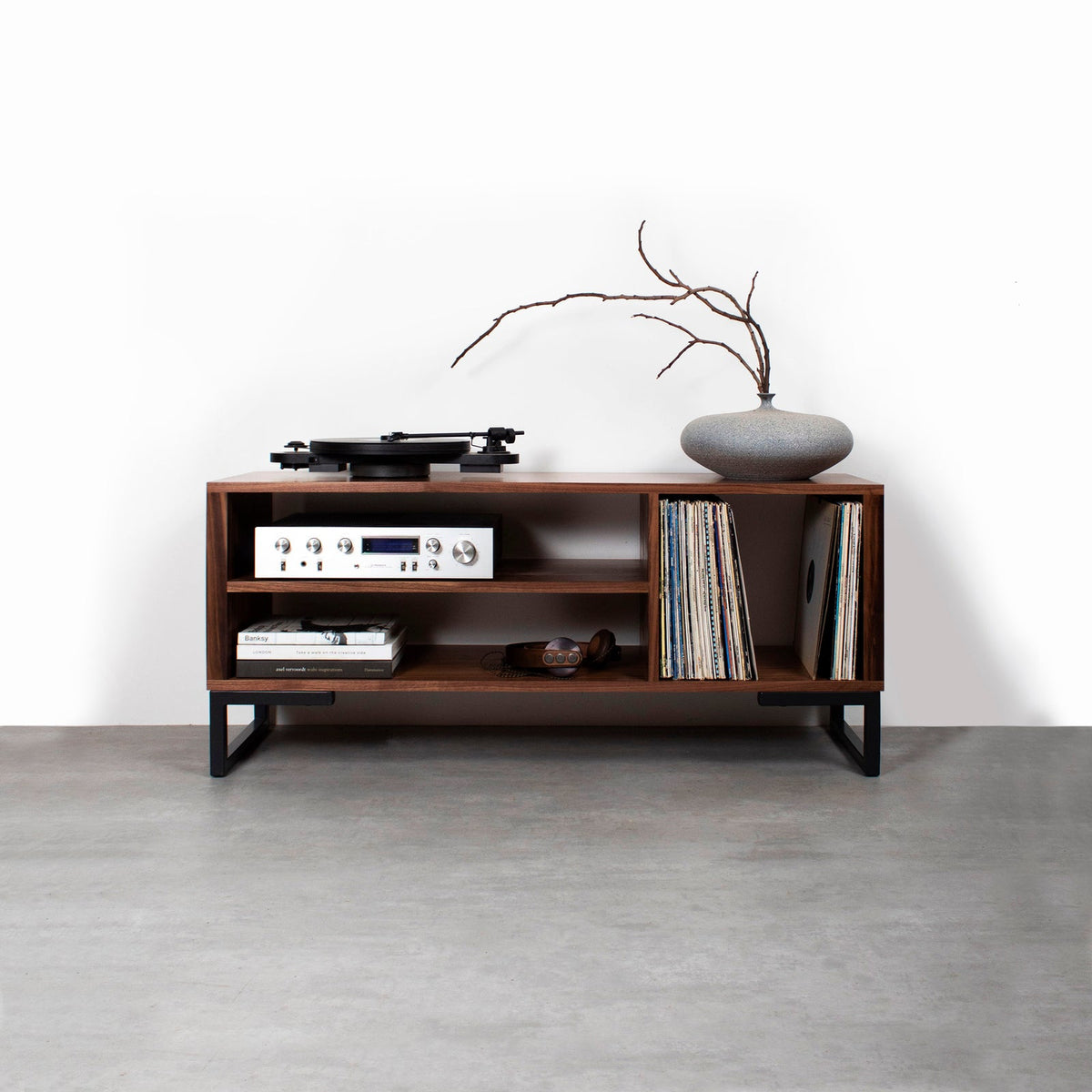
A media sideboard can hold a TV, turntable and vinyl records when the top layout, compartments and load limits support the whole collection. Plan these as separate spaces rather than treating every unused corner as storage.
Turntable clearance
Measure the turntable’s full footprint, including projecting controls and connected cables. Then open its dust cover completely and measure the extra space it needs behind and above the deck.
As a planning example, a turntable measuring 43 cm wide and 36 cm deep needs more than a 36 cm-deep surface once rear plugs and lid movement are included. The exact extra space depends on the hinge and cable arrangement.
If a measured 123 cm-wide TV and a 43 cm-wide turntable sit side by side without overlap, their combined width is 166 cm before any gap or edge allowance. That immediately rules out a 140 cm top for this arrangement. Wall-mounting the television can free surface space, but check that its lower edge clears the open dust cover.
Record compartments
A 12-inch record sleeve is typically about 31.5 cm square. Choose clear compartment height and depth of around 33–35 cm for ordinary LP storage, then allow more for oversized box sets.
Store records upright with support rather than leaving them leaning heavily into an empty bay. Measure the shelf opening, not the surrounding cabinet, and allow enough room to lift a record out comfortably.
Vinyl adds weight quickly. A sleeved LP typically weighs around 230–300 g, so 100 records can weigh about 23–30 kg. Compare that load with the relevant shelf limit, not just the cabinet’s overall capacity.
Space to grow
Count your records and measure their occupied shelf length without compressing them. If they currently fill 60 cm, reserving another 15 cm gives you 75 cm of usable storage and 25% more space.
For a shared TV and listening setup, our media units for combined equipment and vinyl storage give you a focused place to compare layouts. Use your equipment drawing to decide where open access matters and where record compartments are more useful.
Customisable furniture dimensions are valuable when standard sizes leave an awkward compromise. We offer customisable hardwood designs, so start with the required clear compartments and overall room limits rather than simply requesting a longer cabinet.
Make the fit check
Before ordering, put every measurement on one sheet. Include a front view for widths and heights, plus a simple top view showing depth, cables and door movement. You do not need drawing software; graph paper and a tape measure are enough.
Work through these checks in order:
Record the TV footprint. Note actual width, foot spacing, front-to-back support depth and weight including the stand.
Set the room limits. Mark maximum cabinet width and installed depth, leaving your chosen walking clearance.
Calculate total height. Use seated eye level, screen height and the TV stand’s rise above the furniture.
Size each compartment. Include device dimensions, connected plugs, access and the manufacturer’s ventilation clearances.
Add the music setup. Draw the turntable with its lid open, then note record storage dimensions and shelf loads.
Check movement. Test cupboard doors, drawers, room doors and the delivery route.
Write down required and preferred measurements separately. Secure TV support and equipment clearance belong in the first group; a particular visual margin belongs in the second.
If a candidate fails a required measurement, change the furniture size or equipment layout before choosing the wood finish. A larger external cabinet will not solve the problem if its internal divisions remain too small.
Conclusion
Tape your preferred sideboard footprint onto the floor and mark the screen centre on the wall. Then place the TV, turntable and equipment measurements within that outline. Choose a standard size when everything fits with working clearance; choose customised dimensions when a specific compartment or shared top needs more room. Settle those measurements before selecting the wood, so the finished piece works as comfortably as it looks.
Frequently Asked Questions
What size media sideboard do I need for a 55-inch or 65-inch TV?
Start around 145–165 cm wide for a typical 55-inch TV, or 165–185 cm for a typical 65-inch TV. These ranges allow visual space beside the screen; your television’s actual width, feet and weight determine the final choice.
Does a wall-mounted TV change the sideboard size I need?
Yes: the sideboard no longer needs to support the television’s feet or weight, so its size can follow your storage and equipment needs. Keep it visually balanced beneath the screen, and include access to sockets and any turntable lid clearance.
Can I use an ordinary sideboard for media equipment?
Yes, provided its usable compartments, load limits, cable routes and ventilation suit the equipment. A closed cupboard that fits a device tightly is not enough; its operating clearances still apply, and remote controls may need a clear signal path.
Should I buy a bigger sideboard for a future television?
Yes, if you have a realistic upgrade size in mind and the room retains comfortable access. Measure the likely future TV width and stand footprint, then choose a cabinet whose extra space is useful for your current setup too.