November SPECIAL OFFER! Sign-up to our newsletter to receive the latest offers and news.
TV Stand for a 65 Inch TV: The Width, Height and Depth You Need
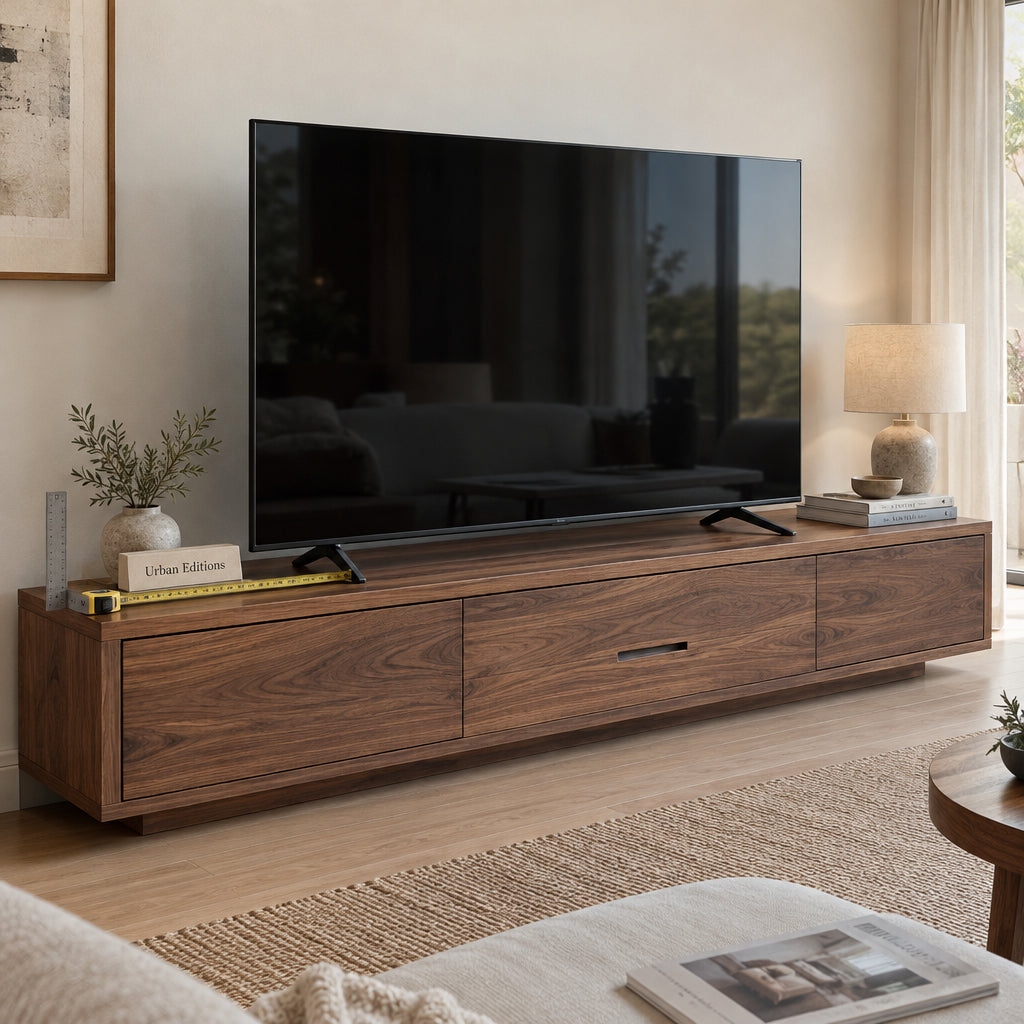
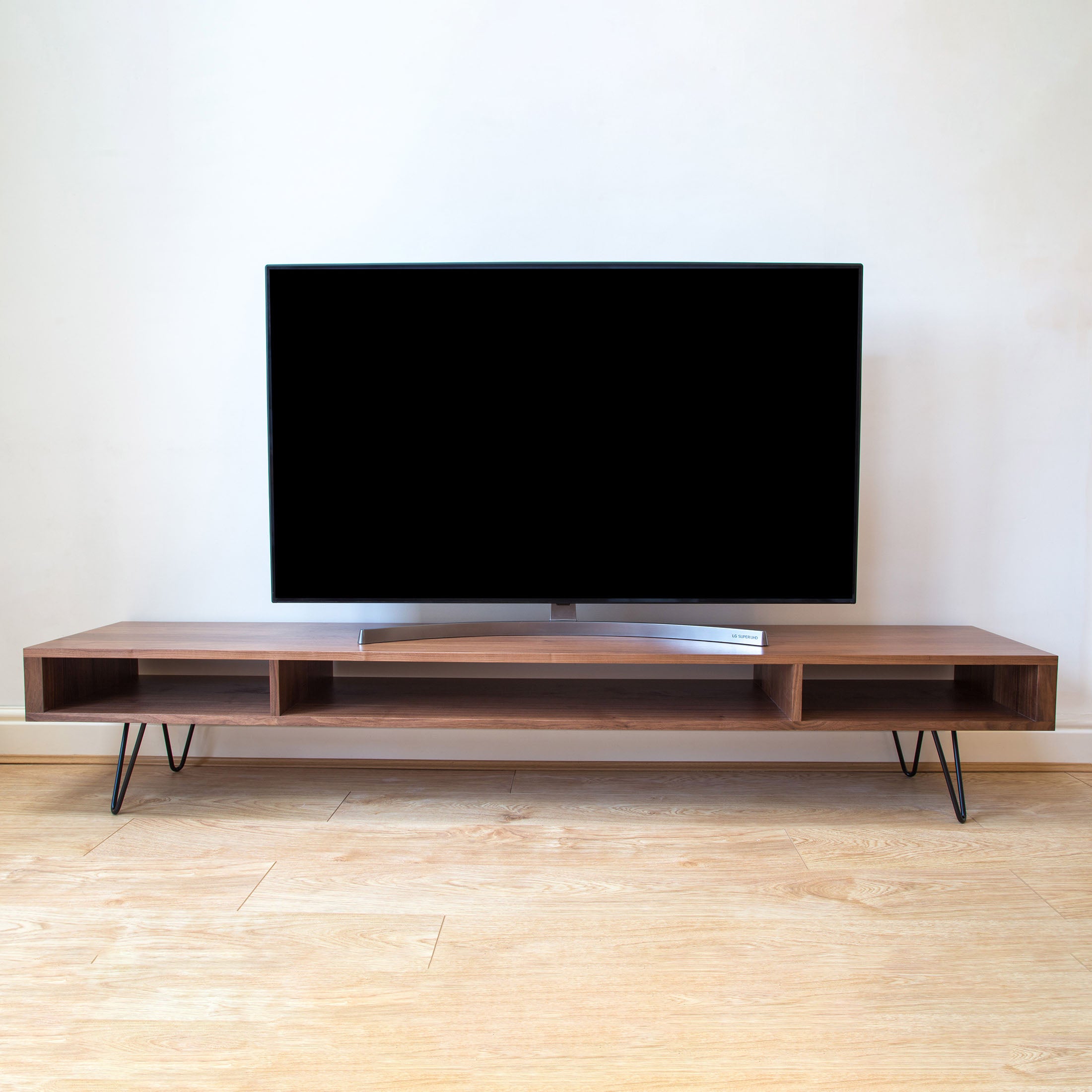
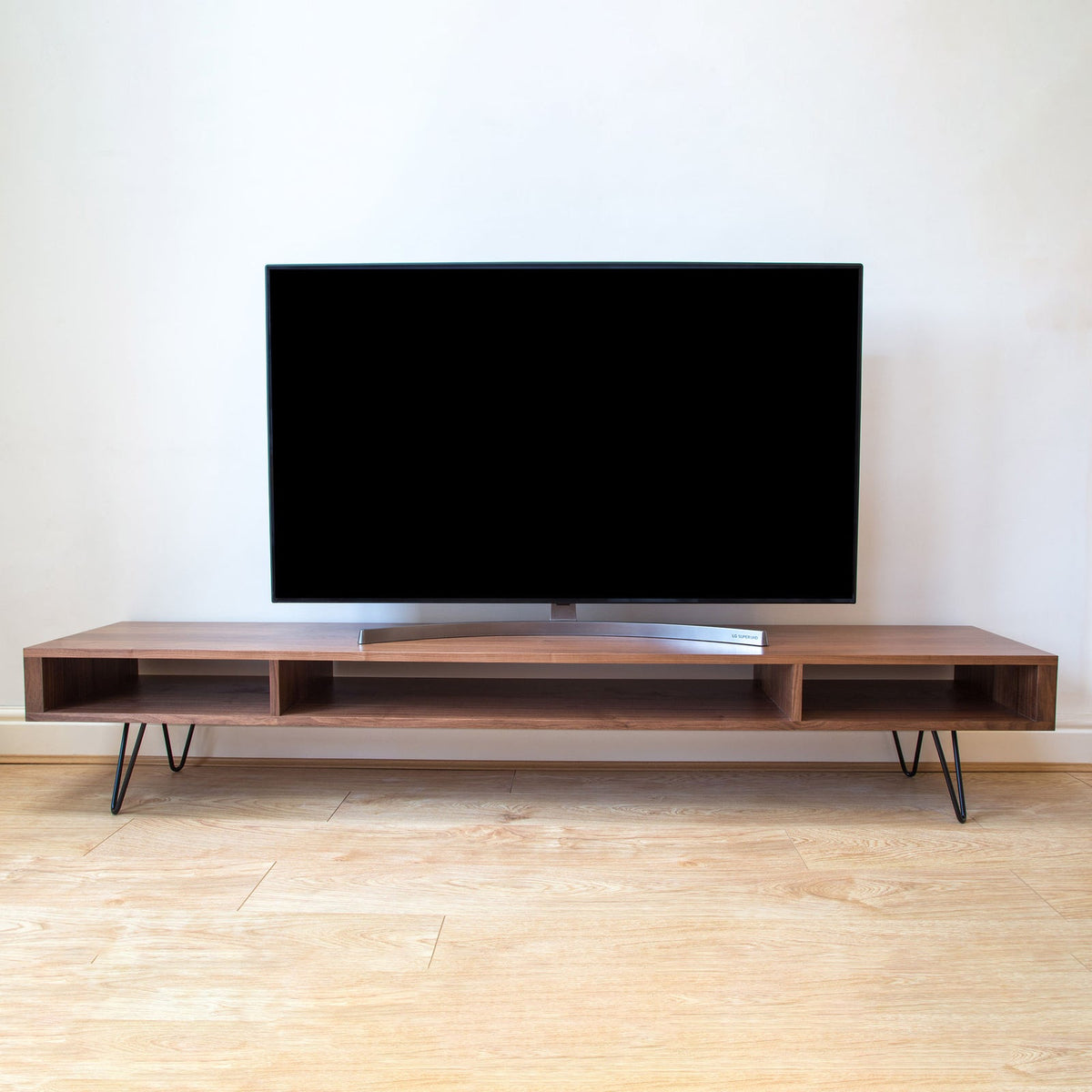
At about 145 cm wide, a typical 65-inch TV is much wider than its 65-inch diagonal suggests. For a TV stand for a 65-inch TV, start with a cabinet around 160–180 cm wide and 35–45 cm deep, then set its height so the screen centre sits near your seated eye level. These measurements are a starting point, not a substitute for checking your exact model: its feet, rear plugs and your viewing position all affect the fit.
Key Takeaways
A 65-inch diagonal is not the TV’s width.
Typical dimensions are about 145 cm wide and 83 cm high.
Check the feet before choosing the stand’s width.
Set screen height using your seated eye level.
Allow for plugs, cable bends and equipment ventilation.
Read the TV’s actual dimensions
The table gives you a useful first check. We recommend treating it as a shortlist, then measuring your own TV and the space where the stand will sit.
Measurement
Starting point
What to check
Screen diagonal
165.1 cm
Measured corner to corner
Typical TV width
About 145 cm
Your model’s full outer width
Typical TV height
About 83 cm
The screen centre and lower edge
Stand width
About 160–180 cm
Foot support and available wall space
Stand depth
About 35–45 cm
Feet, cables and equipment
Stand height
No universal figure
Screen centre near seated eye level
Diagonal is not width
The 65-inch figure describes the screen’s diagonal measurement, from one corner of the visible screen to the opposite corner. It does not tell you how wide the TV is, and it is not the measurement to use when checking whether the screen will fit on a cabinet.
A typical 65-inch TV is about 145 cm wide and 83 cm high, but the exact outer dimensions vary by model. The bezel, casing and stand feet affect the space it takes up. Check the manufacturer’s dimensions for your exact model before ordering furniture.
Use the figures as a starting point
The table separates the TV’s dimensions from the stand’s. Width and depth are useful starting points, while height depends on your seat and viewing position. A cabinet that suits one household may put the screen too high for another.
Look for the TV’s full dimensions, including its feet if it will sit on the cabinet. Manufacturers often list measurements with and without the stand. Use the version that matches your setup, then check the feet separately before deciding on a stand width.
Choose a stand wider than the screen
A stand should give the TV a stable, balanced base, but there is no need to follow a width rule without checking the set itself. Start with the TV’s actual outer width, then confirm that its feet fit safely and that the cabinet suits your room.
Leave room at each side
A stand wider than the screen gives you space around the TV and can make the arrangement feel less cramped. If your TV is centred, the difference between its width and the cabinet’s width is shared between the two sides. The amount of space depends on both measurements.
Side clearance is the horizontal gap between the TV’s outer edge and the end of the stand when the screen is centred.
The width in the table creates a useful visual margin around a typical set. It is a guide, not a reason to buy the widest cabinet available. A stand that is much wider than the TV can dominate a narrow wall or leave too little room for nearby furniture.
When a 60-inch stand might work
A stand described as 60 inches wide is about 152.4 cm wide if that is its actual cabinet width. Against a typical 145 cm TV, it leaves roughly 3.7 cm at each side when centred. That is a small visual margin, so check the actual dimensions rather than relying on the product label.
A 60-inch stand is not automatically unsuitable. It can work if the TV’s feet sit fully on the supported top surface, the stand can carry the TV’s weight and the manufacturer’s instructions allow the arrangement. If those checks fail, choose another stand rather than relying on the screen’s position to make it seem secure.
Measure the feet before ordering
The feet determine how the TV sits on the cabinet. Two sets with the same screen size can have different foot positions, so check the exact model’s footprint and support requirements before choosing the stand.
Get the footprint
Find your TV’s model number and read the manufacturer’s setup instructions. Check whether the feet have more than one mounting position, and measure them in the position you plan to use. If the instructions specify how the TV must be supported, follow them.
Use this order to check the fit:
Find the exact model number and its setup instructions.
Fit the feet in your intended position, if they are adjustable.
Measure the span from the outside edge of one foot to the outside edge of the other.
Measure the deepest point of the feet from front to back.
Compare both measurements with the cabinet’s usable top surface.
Check the support, not just the width
The cabinet’s full width is not always the same as the clear space available on top. End panels, raised edges or other construction can reduce the usable area. Check where the feet will land and keep their contact areas within the supported surface unless the TV manufacturer explicitly allows otherwise.
Also confirm the stand’s stated load capacity against the TV’s weight. A screen that fits across the cabinet is not necessarily supported correctly if its feet sit beyond the top or the stand cannot carry the load. If the instructions are unclear, choose a design that gives the feet more room and meets the manufacturer’s stated requirements.
Set the height from your seat
There is no single cabinet height that suits every living room. The aim is to put the screen centre near your eye level when you are seated in your usual viewing position. A sofa, armchair and recliner can place your eyes at different heights.
Start with your usual viewing position
Seated eye level is the height of your eyes from the floor when you sit in the position you normally use to watch TV. Measure it from your main seat rather than standing or sitting upright in a way you would not normally watch.
LG UK advises placing the middle of the screen at eye level or slightly below. If you tend to recline, take the measurement in that posture too. Your eye line changes with your position, so the most useful measurement is the one that reflects how you actually watch.
Calculate the stand-top height
With the TV on its feet, measure vertically from the surface where the feet rest to the centre of the screen. Subtract that measurement from your seated eye height. The result is the target height for the cabinet’s top surface.
For example, if the centre of the screen sits a certain distance above the feet’s contact surface, the cabinet top needs to sit that same distance below your seated eye level. This calculation uses the exact TV, rather than assuming every model’s screen and feet line up in the same way.
Include anything that will sit between the TV and cabinet, such as a riser, in your calculation. If you plan to put a soundbar on top, check that it fits without obscuring the screen or interfering with the TV’s controls. Raising the screen for another item can make viewing less comfortable.
Allow depth for feet, plugs and equipment
The stand’s overall depth is only part of the measurement. The TV feet need to sit on the usable top, and the plugs and cables behind the set need enough room without being bent sharply or trapped.
Measure from front to back
Measure the TV feet from their frontmost to rearmost points, then compare that with the cabinet’s usable top depth. Do not assume the cabinet’s advertised outer depth is all available for the feet: a back panel, raised edge or other feature may reduce it.
The feet are only one part of the setup. Check where the TV’s connections sit and how far the plugs extend behind it. If the sockets face backwards, the cables may need more room than a side-facing connection. A cabinet pushed against a wall can leave less clearance than the product dimensions suggest.
Allow for cables and equipment
Leave room for cable bends so they are not forced against the wall or pulled tight. Check the route from the TV to the socket and any other equipment before placing the cabinet. Skirting boards and low sockets can also affect how close the stand sits to the wall.
Measure any media equipment you plan to store, such as a games console or set-top box. Check its required ventilation space in the manufacturer’s instructions, and do not block vents with a shelf or closed cabinet. Usable depth means the clear space your feet and equipment can actually occupy, not simply the measurement from the cabinet’s front to back.
Check the room before choosing a style
A stand can fit the TV and still feel wrong in the room. Check the wall, nearby furniture and walking routes before you settle on a design. The right width is the one that supports the set without making the rest of the space awkward to use.
Measure the wall and walkways
Measure the clear wall space where the cabinet will go, including any alcove, doorway or nearby furniture that limits its position. Check for sockets and skirting boards too. These can affect where the stand sits and whether cables can reach without being stretched.
Think about the view from the seats you use most. A stand that leaves the TV off-centre may still work, but it can make the viewing position feel awkward. Check the wall width and walkways together so a wider cabinet does not obstruct a route through the room.
Choose storage that suits your setup
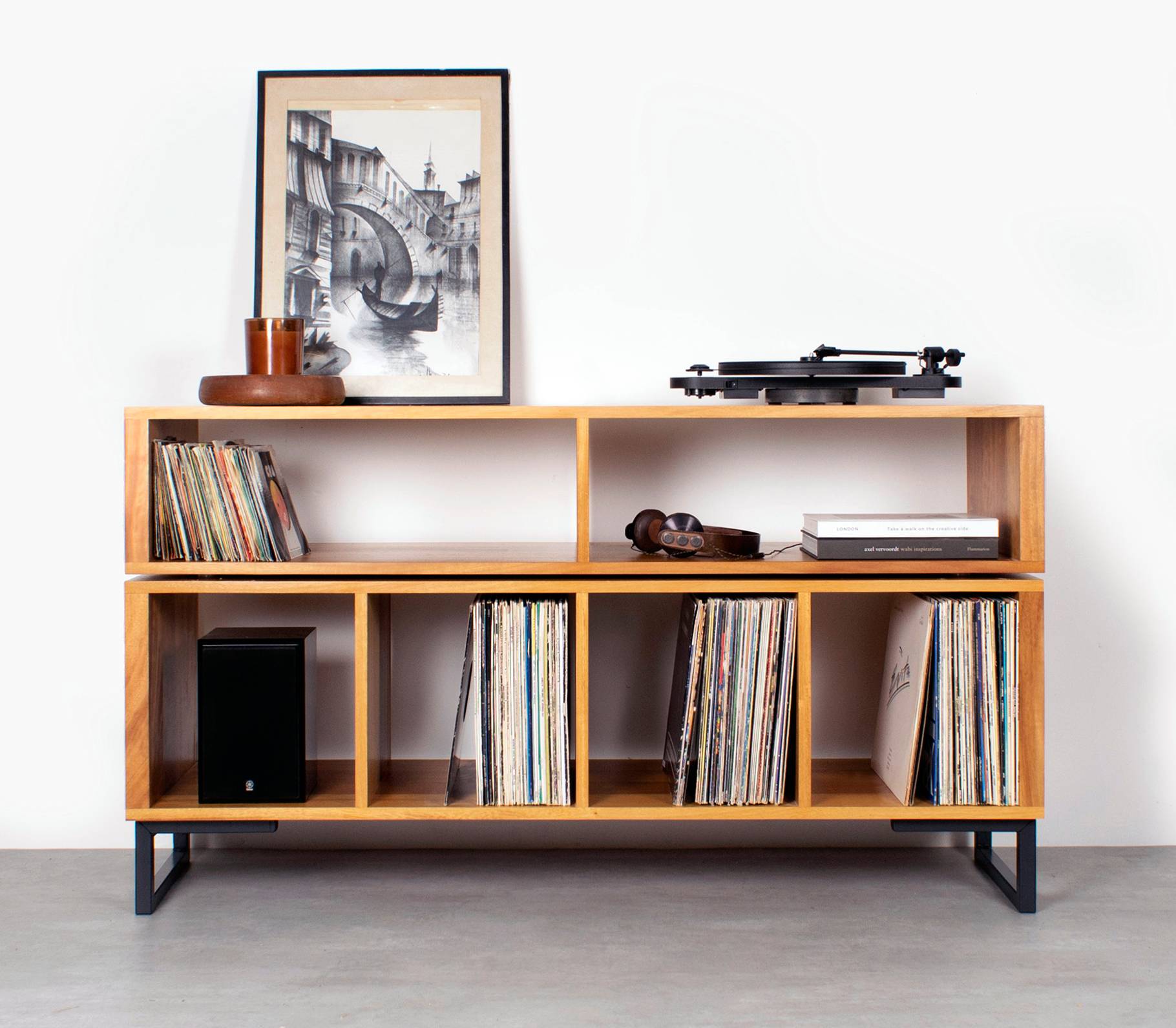
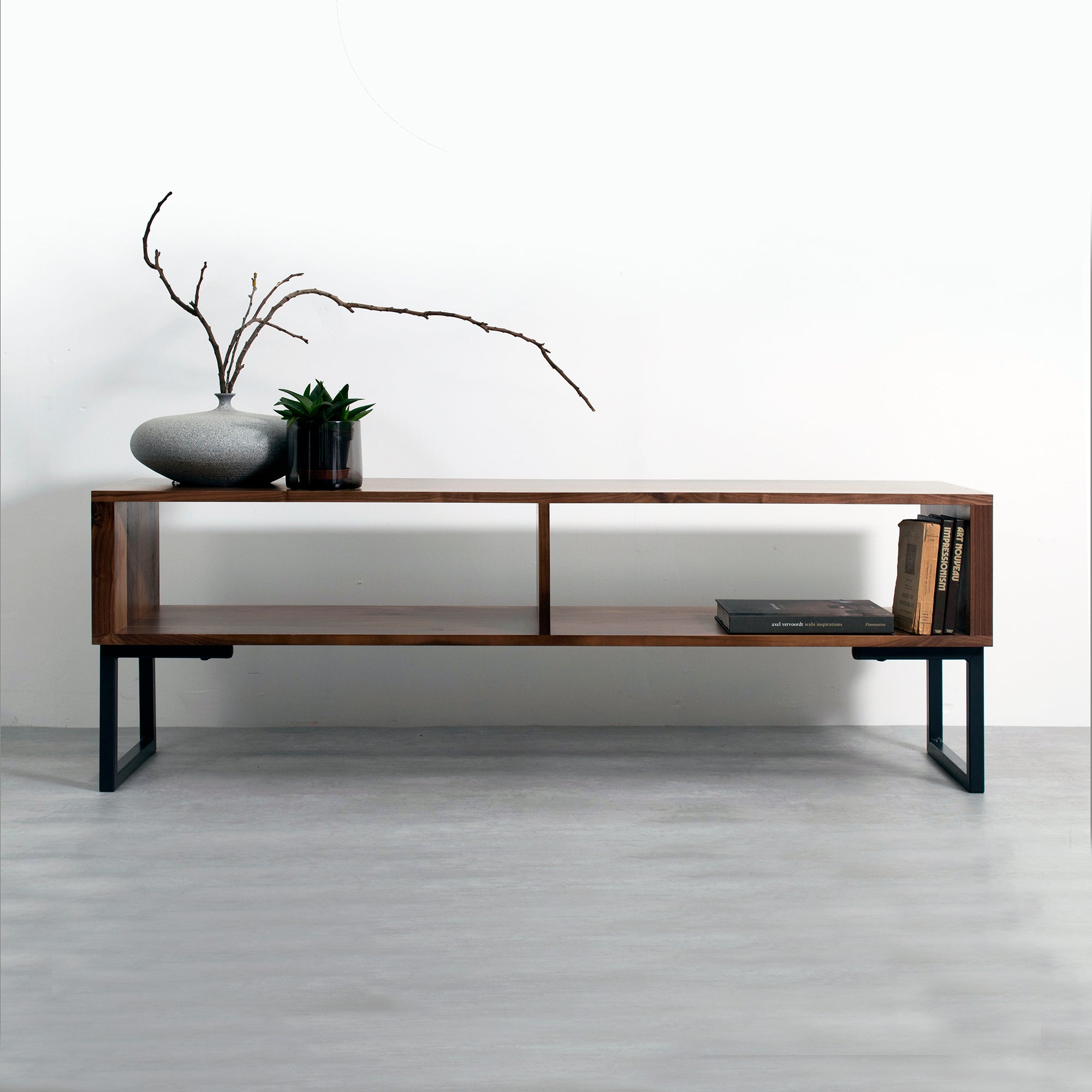
List what needs to sit on or inside the stand before choosing its layout. A soundbar needs a suitable top surface, while other equipment may need open shelving or room for cables. Closed storage keeps items out of sight, but check ventilation requirements if equipment will be inside.
Once you have checked the measurements, browse our handcrafted TV stands, where you can select a solid-hardwood design and customise its dimensions for a built-to-order piece.
Conclusion
Before ordering, write down your TV’s outer width, the span and depth of its feet, and the height from the floor to your eyes in your usual seat. Those measurements let you check the stand’s fit and set its height around the way you watch.
Frequently Asked Questions
How wide is a 65-inch TV in centimetres?
A typical 65-inch TV is about 145 cm wide and 83 cm high; 65 inches describes the screen’s diagonal, not its width. Check your model’s full outer dimensions because the casing can vary.
Is a 60-inch TV stand wide enough?
If its actual width is 152.4 cm, it leaves a typical 145 cm TV about 3.7 cm at each side. It can work only if the feet sit securely on the supported surface and the manufacturer’s requirements are met.
How high should a TV stand be for comfortable viewing?
Choose a stand height that places the screen centre near your eye level when you are seated in your normal viewing position. Measure from your usual seat, especially if you watch while reclining.
How deep should the stand be, and how do I measure the TV feet?
Start with 35–45 cm, then measure the feet’s full front-to-back footprint and side-to-side span. Compare both with the usable top, not just the cabinet’s overall dimensions, and allow space behind for plugs and cable bends.